
SSW-CAPTURE — Image Analysis Software for Microscopy by SUSWOX
SSW-CAPTURE is a simple image analysis software for microscopy with an intuitive user interface and easy-to-use navigation. It offers a comprehensive suite of image processing, measurement, and enhancement tools that distinguish it from conventional microscopy software.
Image analysis software is widely used in diverse fields such as medicine, biological research, cancer research, drug testing, materials science, metallurgy, quality control, and education.
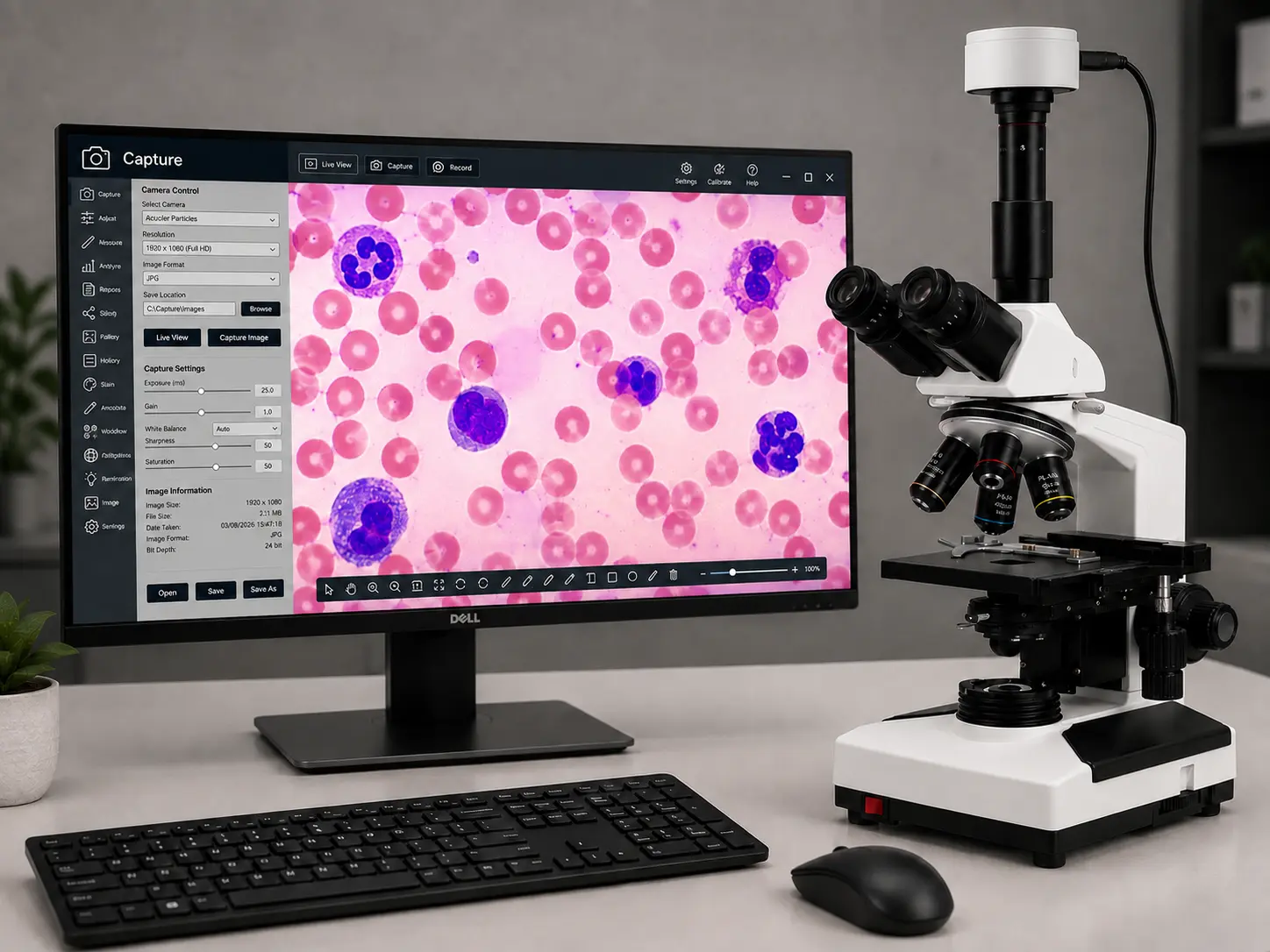
Threshold Particle Measurement
Manual, Auto Bright, and Auto Dark methods are available to identify the intensity range of objects to be measured. Various calculations and measurements for selected particles include:
- Dimensions
- Area
- Perimeter
- Feret Length
- Minimum & Maximum Radius
- Thread Length
- Thread Width
- Fiber Length
- Fiber Width
Segmentation
- Measure area fraction and volume fraction.
- Identify multiple phases within a microstructure.
- Delineate phases using histogram-based analysis.
Report Generation
Three reporting options are available:
- Direct printout with Original Image, Processed Image, and Tabulated Results.
- Export reports to Microsoft Office or Microsoft Excel for further editing and analysis.
Count & Classification
- Identify and count objects within an image.
- Automatically or manually detect objects.
- Obtain multiple feature measurements.
- User-defined classification based on size or intensity.
Image Editing
- Cut, Copy, Paste
- Freehand Area of Interest (AOI) selection
- Resize
- Crop
- Duplicate
- Restore
- Convert images to formats such as BMP, JPG, and TIF
- Annotation tools including:
- Freehand Drawing
- Straight Line
- Rectangle
- Circle
- Arrow
- Text
- Highlighter
- Pointer
- Eraser
View
- Zoom In / Zoom Out
- Rotate 90°, 180°, and 270°
- Horizontal Flip / Vertical Flip
- Undo / Redo
- Intensity Histogram
Image Processing
- Background Subtraction
- Contrast Enhancement
- Boolean Operations (AND, OR, XOR, ADD, etc.)
Routine Filters
- Invert
- Brightness
- Contrast
- Hue
- Saturation
- Blur
- Noise Removal
- Gamma Correction
- RGB Adjustments
Edge Detection & Morphology Functions
- Laplacian
- Sobel
- Kirsch
- Skeletonization
- Pruning
- Histogram Equalization
- Histogram Smoothing
Measurement
Spatial Calibration
Supports accurate spatial calibration for quantitative measurements.
Linear Measurements
Measure:
- Distance
- Length
- Width
- Perimeter
- Angle
- Three-Point Radius
Area Measurement
Measure enclosed areas using four-arrow keyboard controls with a zoomed preview for enhanced precision.